
MultiSite Role-Permission Bugs: Lessons from the Front Line
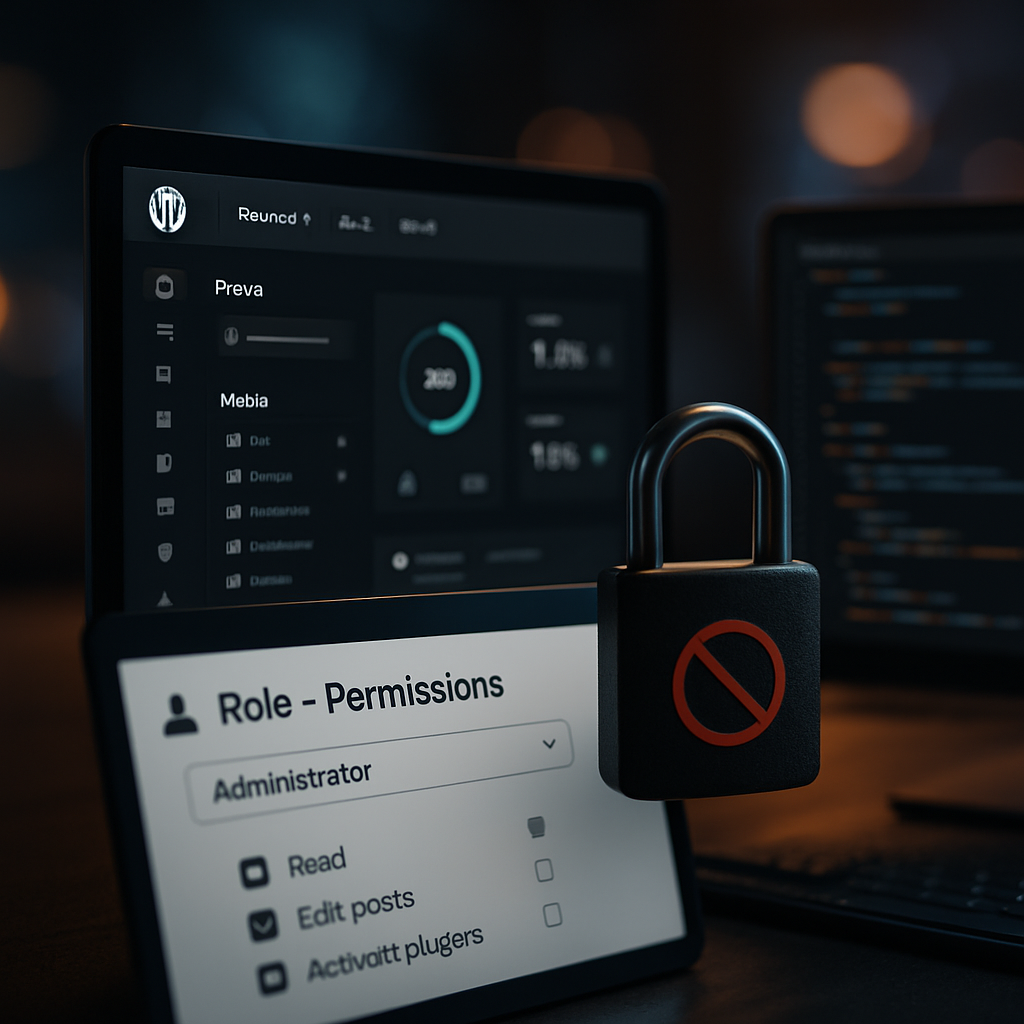
A Crucial Glitch at a Fortune 500 Apparel Brand
Last year, I was deep into a project updating the WordPress MultiSite setup for a major Fortune 500 apparel brand. The goal was simple: enable regional teams to manage their own stores while maintaining a strong central governance. I confidently created custom roles and permissions to restrict access and ensure that only authorized personnel could manage content features that could impact brand integrity. However, what I didn't anticipate was the chaos that would emerge due to a misconfigured capabilities mapping.
The Surprise Failure Mode
The moment of truth came during a demo with the internal marketing team. As I toggled between user accounts, it became apparent that the permissions weren't behaving as expected. Marketers who should have had view-only access could edit products and, worse, delete them. The error rate jumped to 30% for unauthorized actions in the reporting, leading to a frantic scramble to fix it before it went live.
Real Numbers, Real Stakes
This issue not only threatened to derail the project's timeline but also had real potential to impact sales. Each day of delays in this digital migration was estimated to cost around $20,000 in lost revenue. This was a hard lesson on the implications of role-permission bugs in a MultiSite environment. One small misconfiguration can spiral into a costly issue at scale.
What Went Wrong?
In hindsight, the problem originated from a misunderstanding of the WordPress capabilities system. When creating custom roles, I assumed the roles would inherit permissions correctly, but I didn't fully grasp how those permissions could interact with existing user roles and network settings. What I should have done was implement a permission auditing process and a staging phase before rolling out changes to the live site.
Improving the Process
- Audit Permissions: Regularly check and document permissions for each role, especially if you're managing multiple sites.
- Stage Changes: Always test permission changes thoroughly in a staging environment that mimics production.
- Backup User Roles: Have a fallback plan in case of catastrophic permission misconfigurations.
Final Thoughts
Handling multi-site WordPress setups can be daunting, especially when user roles are involved. After this experience, I made it a point to over-communicate with teams and ensure everyone understood the risks inherent in role configurations. Knowledge is power, but careful execution is key.
As we move forward and tackle complex permission structures, remember: 'In the world of WordPress MultiSite, one small role misstep can create a tidal wave of confusion.'