
🚀 Building My Freelancer Command Center (v1.0)
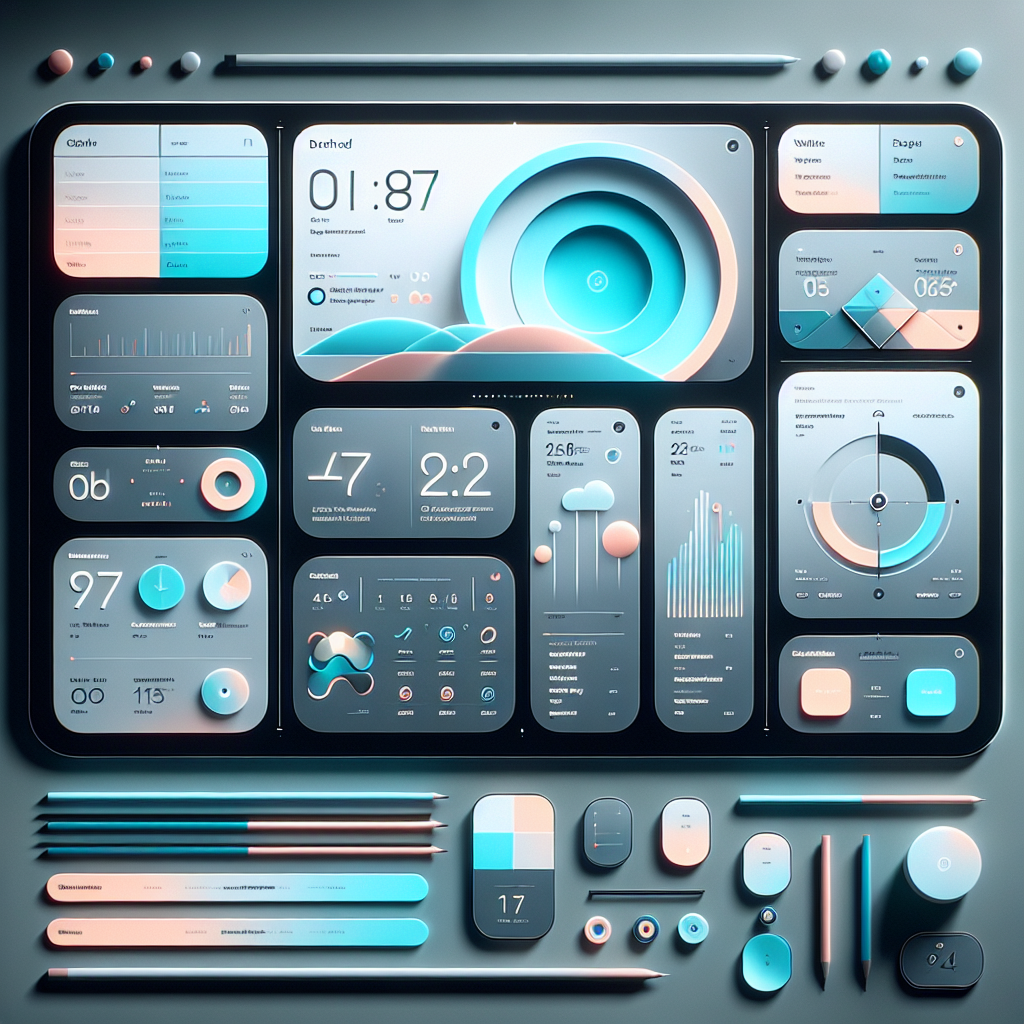
A personal dashboard to replace half the SaaS tools I pay for—and keep my engineering skills razor sharp.
For years, I’ve been juggling a mix of paid tools: task apps, time trackers, financial dashboards, note apps, client CRMs, document storage, and a couple AI tools. They each solve one problem, but none talk to each other. And as a full-time freelancer running a business, I found myself wanting one clean system—fast, elegant, centralized, and built exactly around how I work.
So I decided to build it.
A private, personal, beautifully-designed Freelancer Command Center, built with Laravel, Blade, MySQL, and a heavy emphasis on UI/UX fluency, animations, and responsiveness. Not meant for public release. Not multi-tenant. Not SaaS.
Just my own personal operating system.
And honestly? It’s the most fun I’ve had building something in a while.
🌤️ The Vision
I wanted it to feel like if Apple, Linear, and Notion had a kid: clean, frictionless, and fast. A “morning cockpit” where I can see everything that matters to me as a freelancer:
-
Finances
-
Tasks
-
Notes
-
Time tracking
-
Client info
-
Documents
-
A small AI brain watching over all of it
The core philosophy is simple:
✔ Zero learning curve
✔ Minimal clicks
✔ Beautiful micro-interactions
✔ Fast on desktop & mobile
✔ A system that works exactly the way I work
This is the benefit of building for an audience of one.
🛠️ Tech Stack
This isn’t a toy project—I’m building it with the same standards I use in production:
Backend:
-
Laravel 11+
-
MySQL 8
-
Queues, caching, filesystem, notifications
-
Breeze/Fortify for authentication
Frontend:
-
Blade components
-
TailwindCSS
-
Alpine.js
-
Vanilla JavaScript
-
Heroicons + Lottie animations
Design / UX:
-
Clean, pastel color palette (light mode only)
-
Smooth 100–250ms transitions
-
Rounded edges (8–12px)
-
Soft shadows
-
Micro-animations on hover, click, drag, open
-
Fluid modals, dropdowns, sliders, drawers
This entire system is a UX playground.
I’m intentionally pushing design polish to keep myself sharp.
🔥 Core Features I’m Building
Here’s what v1.0 will include (and yes, I’m already replacing paid services with this).
📊 1. Dashboard Overview
A morning “start screen” that shows:
-
Today’s tasks
-
Weekly deadlines
-
Quick financial snapshot
-
Time tracked
-
Quick actions
-
AI Task Brain: Suggestion of the Day
Soft gradients, animated cards, progress bars, and micro-lifts on hover. I want this to feel alive.
💰 2. Financial Hub
Tracks both personal and business money:
-
Income
-
Expenses
-
Recurring bills
-
Categories
-
Receipt uploads
-
Monthly & quarterly reporting
-
Profit/loss
-
AI category autofill
This replaces:
QuickBooks Self Employed, YNAB, and half of my spreadsheets.
Animated charts and slide-in drawers make it fun to use.
🎯 3. Tasks / To-Do Manager
My clean, fast alternative to Todoist/Asana/Linear:
-
Lists
-
Priorities
-
Due dates
-
Reminders
-
Subtasks
-
Drag-and-drop
-
Quick-add
-
AI: break tasks into steps or rewrite them
Animated checkboxes, priority pills, and accordion-style expansion keep it minimal but powerful.
📝 4. Notes & Knowledge Base
Notion-lite, but way faster:
-
Rich text (Trix or TipTap)
-
Tags
-
Folders
-
Pinning
-
AI: convert notes → tasks
-
Search
-
Related notes
A side panel slides in and feels buttery smooth.
⏱️ 5. Time Tracking
A personal Clockify:
-
Start/stop timer
-
Assign to projects/clients/tasks
-
Billable vs non-billable
-
Weekly/monthly reporting
-
Effective hourly rate
A tiny floating timer widget stays on screen—think macOS-style elegance.
📂 6. Document Vault
My personal Dropbox/Google Drive alternative:
-
Folders
-
Drag & drop upload
-
Version history
-
PDF previews
-
AI-powered auto-tagging
Everything is searchable and fast.
👥 7. CRM Lite
Simple but effective client tracking:
-
Contact storage
-
Notes
-
Interactions
-
Follow-up reminders
-
Status stages
Just what I need—nothing more.
📅 8. Calendar & Scheduling
A unified view of:
-
Tasks
-
Bills
-
Events
Soft glowing highlights, snapping transitions, and a layout that feels like a modern app—not a 2010 calendar grid.
⚙️ 9. Quick Tools
Little utilities I constantly use:
-
Proposal generator
-
Invoice builder
-
Contract filler
-
Email writer
-
Clipboard manager (snippets, responses, one-liners)
Replacing another handful of subscriptions.
🧠 10. AI Task Brain
This is the fun part.
It will:
-
Suggest tasks
-
Warn about deadlines
-
Read notes for context
-
Build schedules
-
Analyze patterns
-
Convert vague notes → actionable tasks
-
Give end-of-day summaries
I’m treating this like my own private AI assistant, not a generic chat box.
🏗️ Architecture Overview
Clean, simple Laravel architecture:
Frontend is organized into component folders so everything is modular and reusable.
APIs:
-
/api/tasks
-
/api/time
-
/api/finance
-
/api/ai-brain
🎯 Build Phases
Phase 1 (MVP)
-
Auth
-
Dashboard shell
-
Tasks
-
Notes
-
Basic financial tracking
Phase 2
-
Time tracking
-
Document vault
-
CRM
-
Calendar
Phase 3
-
AI Task Brain
-
Automation rules
-
Deep analytics
Phase 4
-
UI polishing
-
Micro-interactions everywhere
-
Custom theming
-
Import/export
🧩 Why I’m Building This
Two reasons:
1. It keeps my engineering muscles sharp
Laravel, UX animations, AI tooling, data modeling—this is everything I enjoy building.
2. It eliminates several monthly SaaS subscriptions
This replaces:
-
Todoist
-
Clockify
-
YNAB/Quickbooks Self-Employed
-
Dropbox
-
Notion
-
CRM tools
-
Email writing tools
-
Clipboard managers
All in one clean personal system.
📌 Final Thoughts
This isn’t a product—it’s a personal operating system.
A dashboard built for one user with specific needs: me.
But the act of building it?
That’s what keeps my craft sharp.
I’ll post updates as I build it out—screenshots, UX demos, and dev notes.
And who knows… maybe someday this evolves into a tool others can use.